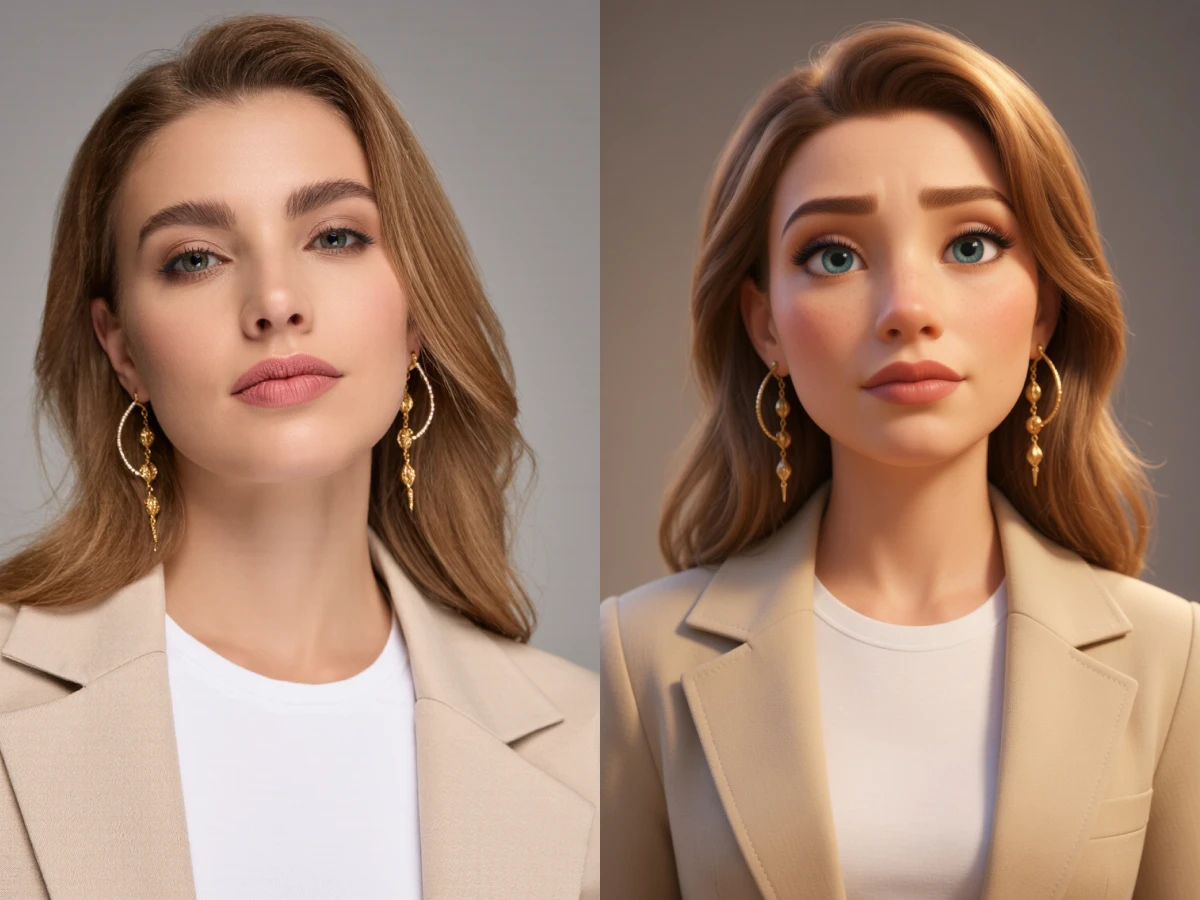
01
Anime and Character Art with More Volume
Restyle 2D characters into cleaner 3D-inspired visuals with stronger form, smoother lighting, and a more animated-render feel.
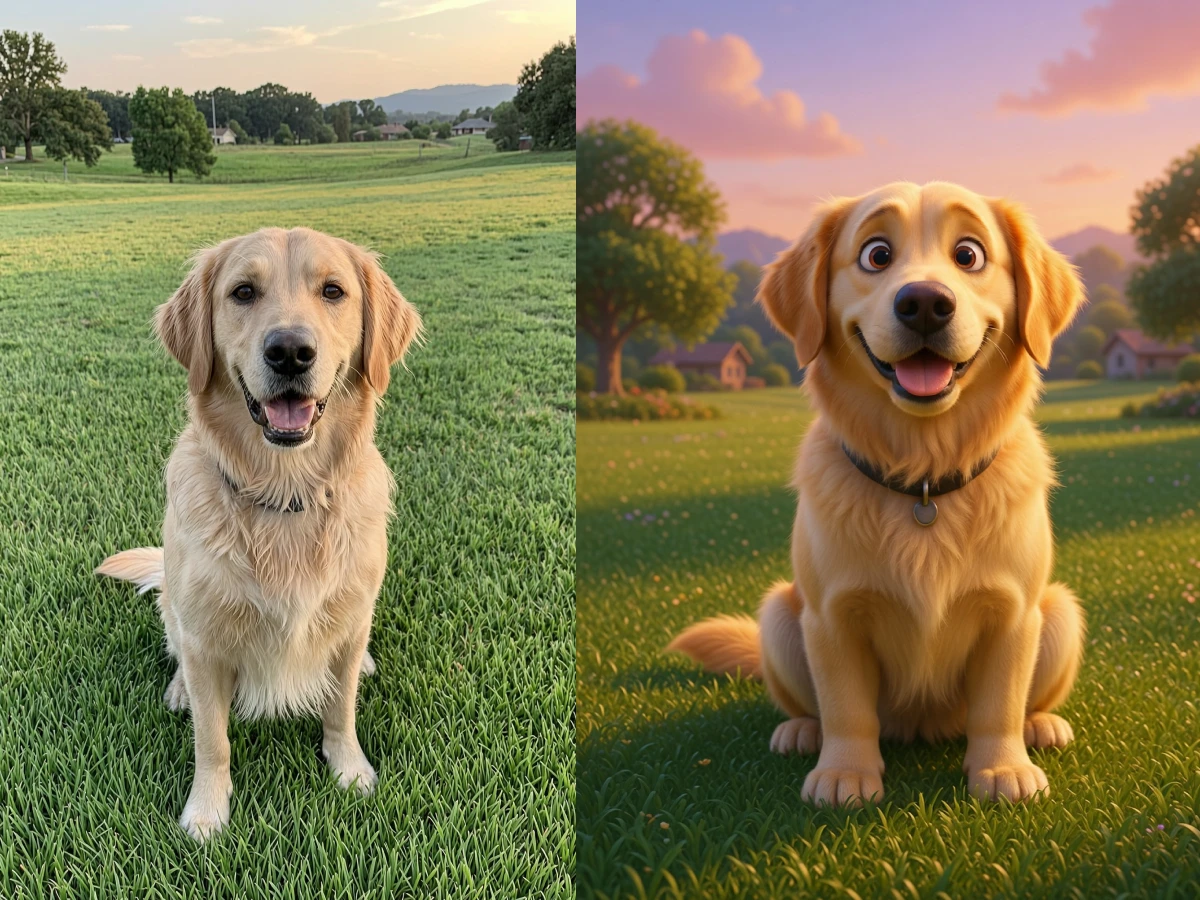
Upload a 2D drawing, anime image, icon, logo, or character art and turn it into a more dimensional 3D-style render with richer lighting, depth, and material detail.
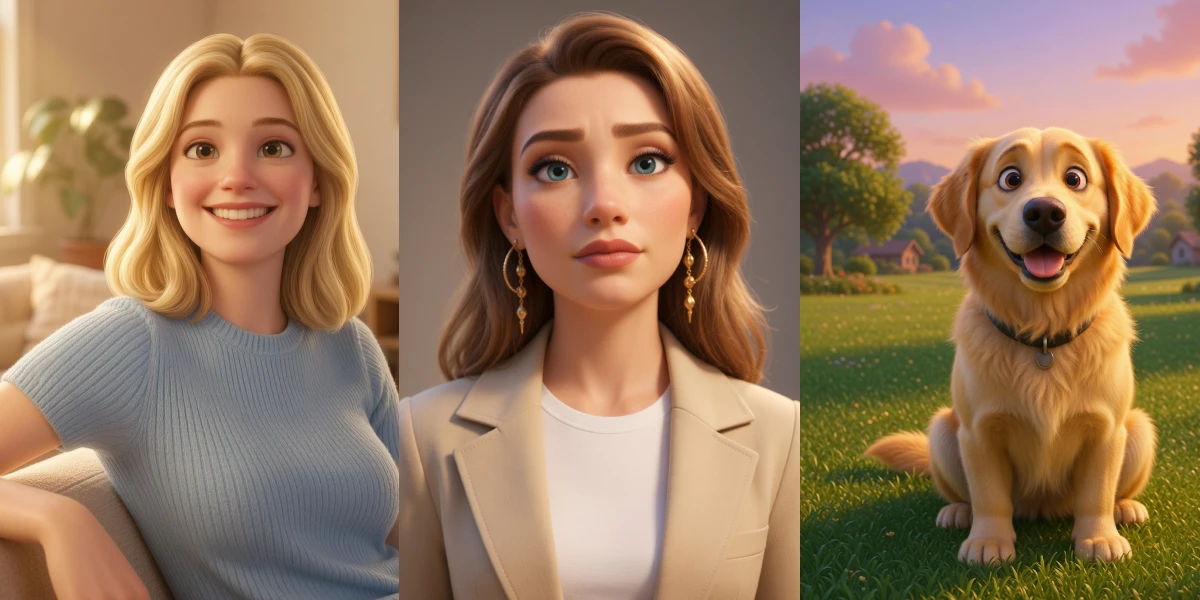
Convert your flat image into a dimensional 3D-style render in three easy steps.
Start with an illustration, anime character, cartoon image, icon, logo, or any flat artwork you want to restyle.
Add a prompt like glossy 3D toy, cinematic render, soft clay style, or stylized game character to guide the result.
Create the 3D-style image, review the result, and download it for creative, branding, or social use.
Dreamloop helps transform 2D images into stylized 3D visuals with better form, richer shading, and a cleaner modern render look.
Convert flat illustrations and simple artwork into images that feel more dimensional, modeled, and polished.
Add highlights, soft shadows, and volume so your image looks more like a rendered 3D scene instead of flat art.
Faces, clothing, props, and product shapes gain stronger depth cues while staying close to the original design.
Use it on character art, mascots, stickers, social assets, concept art, and other clean 2D source images.
Guide the result toward toy-like, Pixar-inspired, clay, glossy, cinematic, or soft game-art directions with prompts.
Upload, generate, and download a 3D-style version in seconds without modeling anything manually.
The 3D image converter works well for character art, brand assets, and illustrations that need a more tactile, modern, rendered look.
01
Restyle 2D characters into cleaner 3D-inspired visuals with stronger form, smoother lighting, and a more animated-render feel.
02
Turn flat brand assets into more polished 3D-style graphics for thumbnails, merchandise, landing pages, and social content.
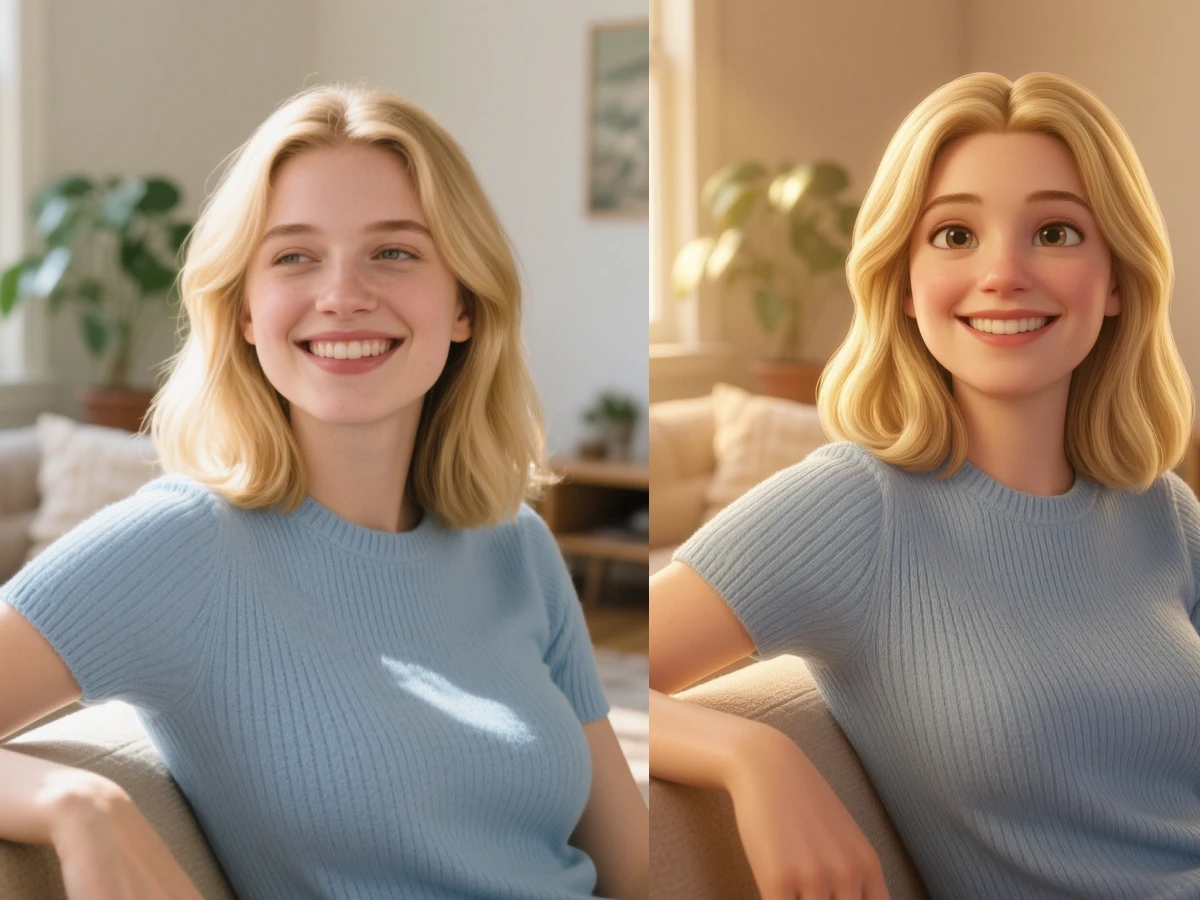
03
Upgrade simple 2D artwork into richer, more eye-catching visuals with depth, materials, and render-like finish.
Everything you need to know about converting 2D images into 3D-style art on Dreamloop.
It transforms flat 2D images into 3D-style visuals by adding depth, shading, lighting, and more dimensional surface detail.