01
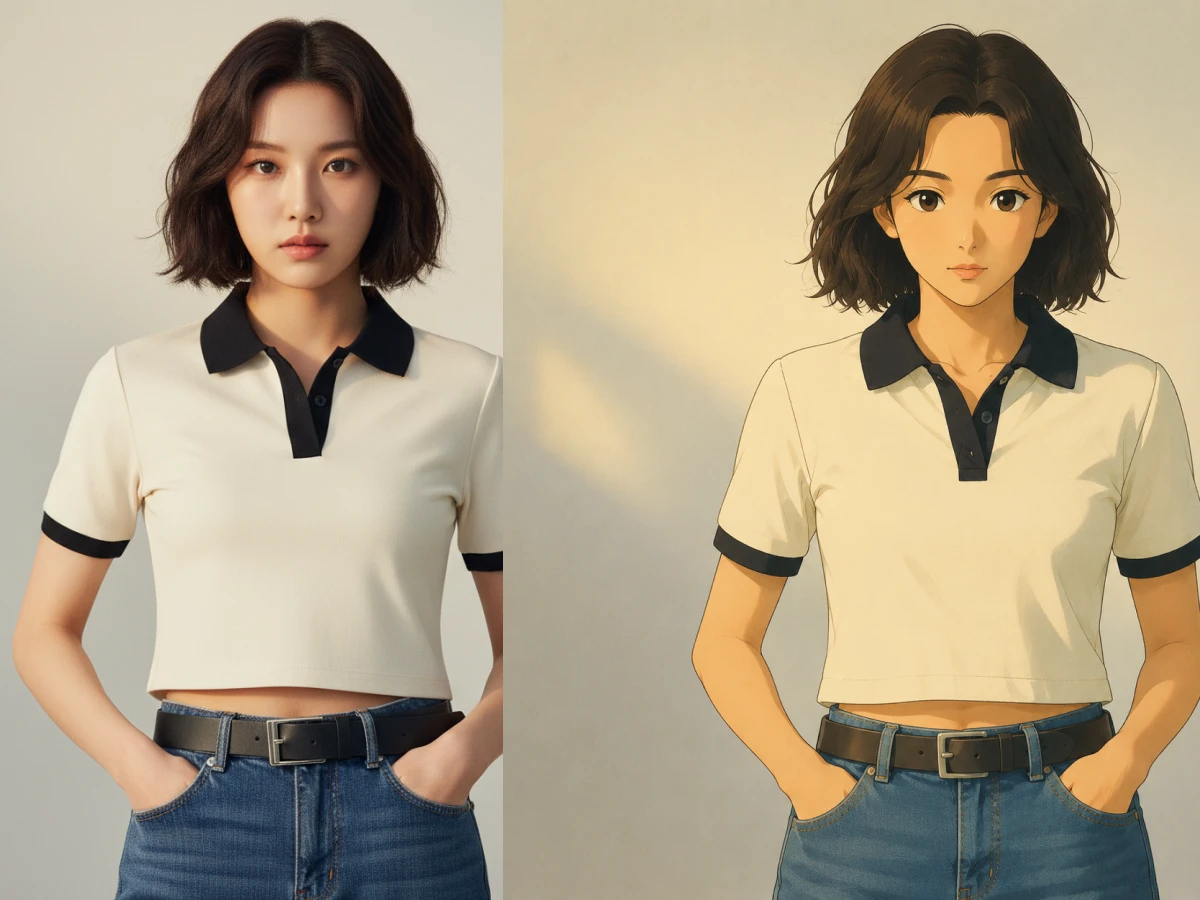
Portraits That Feel Like Anime Film Frames
Convert selfies, couple photos, and family pictures into soft illustrated scenes with expressive faces, warm light, and storybook atmosphere.
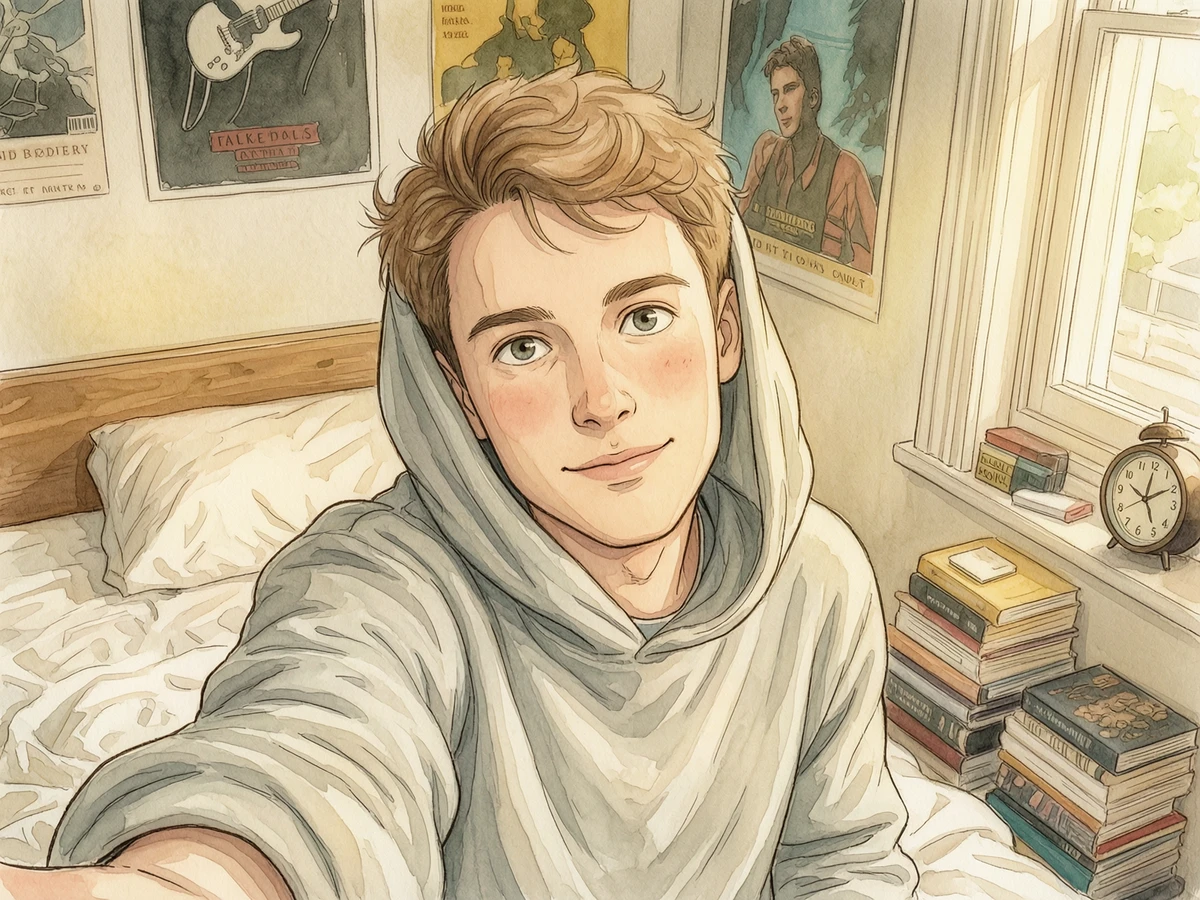
Upload a portrait, pet photo, couple shot, or landscape and restyle it into a cozy Ghibli-inspired illustration with soft colors, storybook lighting, and hand-painted charm.
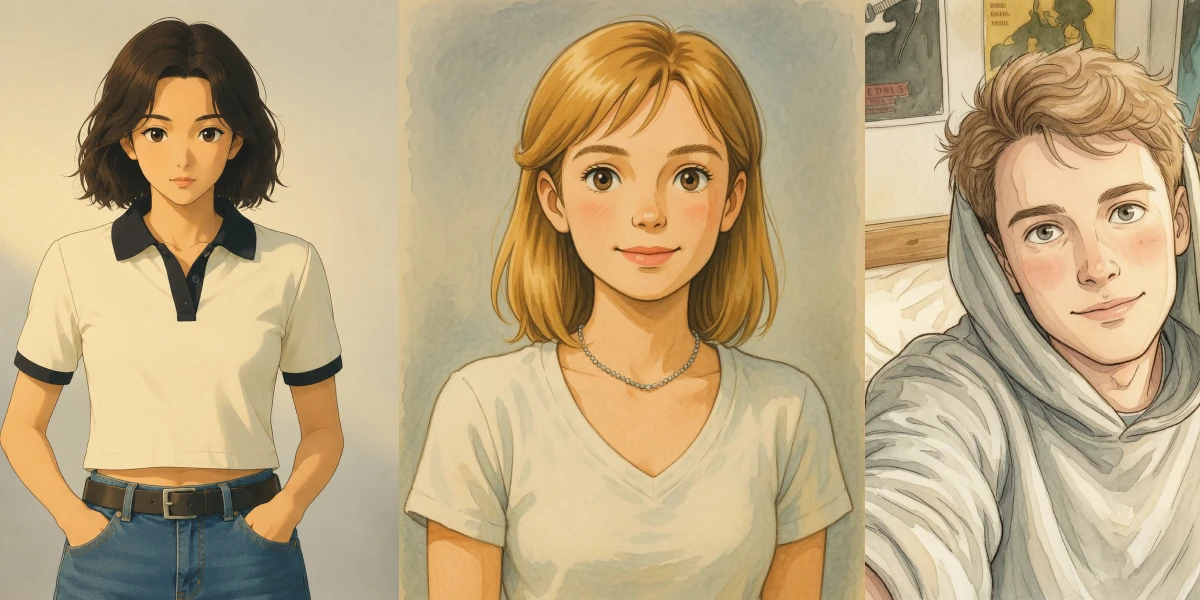
Transform your image into Ghibli-style artwork in three simple steps.
Start with a selfie, pet photo, travel shot, family photo, or scenic image you want to restyle.
Add a short prompt like cozy countryside, magical town, golden sunset, or whimsical forest to shape the result.
Let Dreamloop render your Ghibli-style version, then save it for sharing, printing, or profile art.
Dreamloop's Ghibli filter is tuned for soft anime-inspired rendering, expressive characters, and rich painted backgrounds from your uploaded images.
Turn real photos into illustrated Ghibli-style scenes while preserving the main subject, pose, and composition.
Get warm palettes, gentle highlights, and lush background tones that feel cinematic and hand-painted.
Faces, hair, outfits, and expressions stay recognizable while gaining a clean anime-inspired storybook look.
Transform ordinary streets, rooms, forests, and skies into whimsical scenery with more depth and atmosphere.
Guide the final look with prompts like sunset village, magical forest, rainy window light, or cozy countryside.
Upload an image, apply the style, and get a share-ready result in seconds without manual editing.
From portraits to landscapes, the Ghibli filter helps ordinary photos feel like scenes from a nostalgic animated storybook.
01
Convert selfies, couple photos, and family pictures into soft illustrated scenes with expressive faces, warm light, and storybook atmosphere.
02
Restyle playful candid photos into charming animated moments with painterly textures and cozy emotional tone.
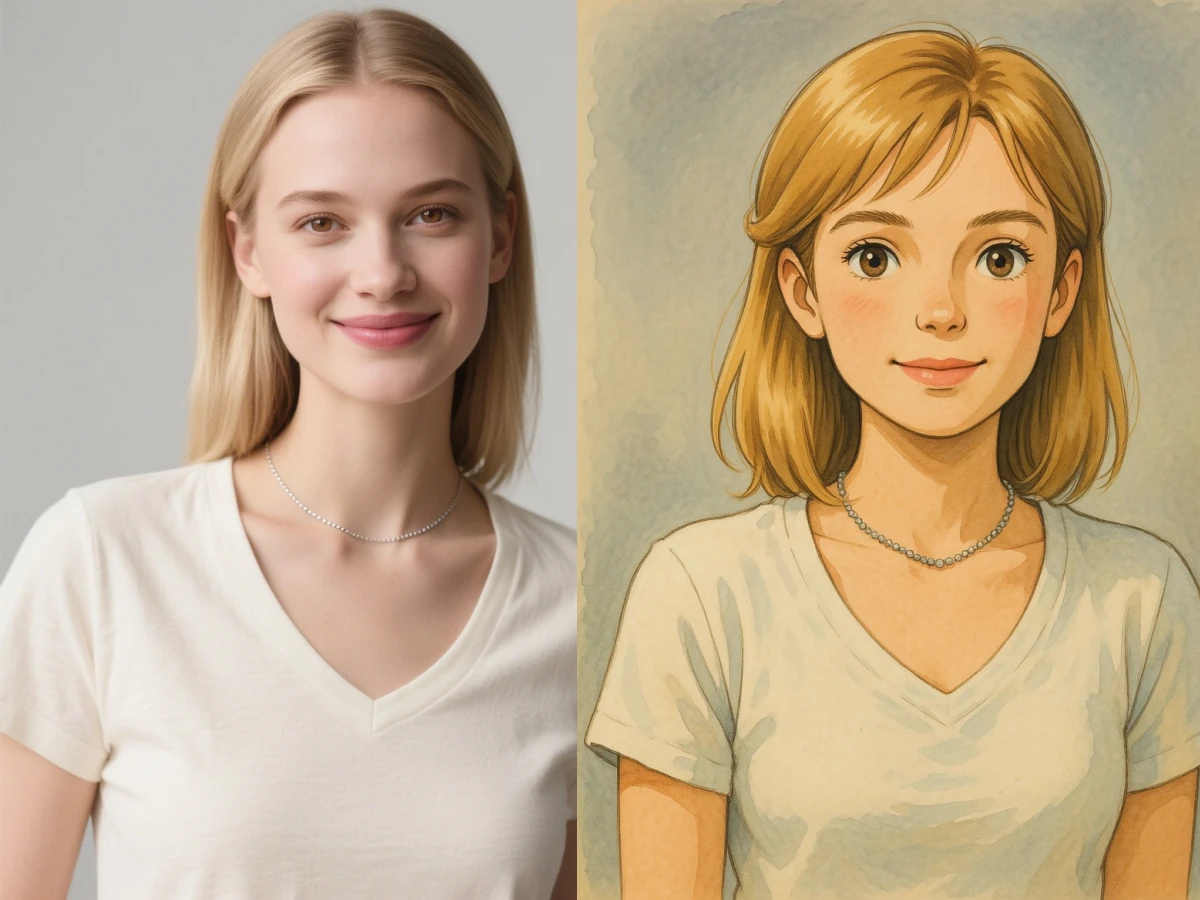
03
Give city walks, forests, mountains, and seaside shots a magical illustrated look with richer skies, foliage, and depth.
Everything you need to know before turning photos into Ghibli-style art on Dreamloop.
It converts uploaded photos into Ghibli-style artwork with softer anime-inspired faces, painted textures, warm color palettes, and whimsical backgrounds.